Dashboard
Daily command center · what changed since you last logged in.
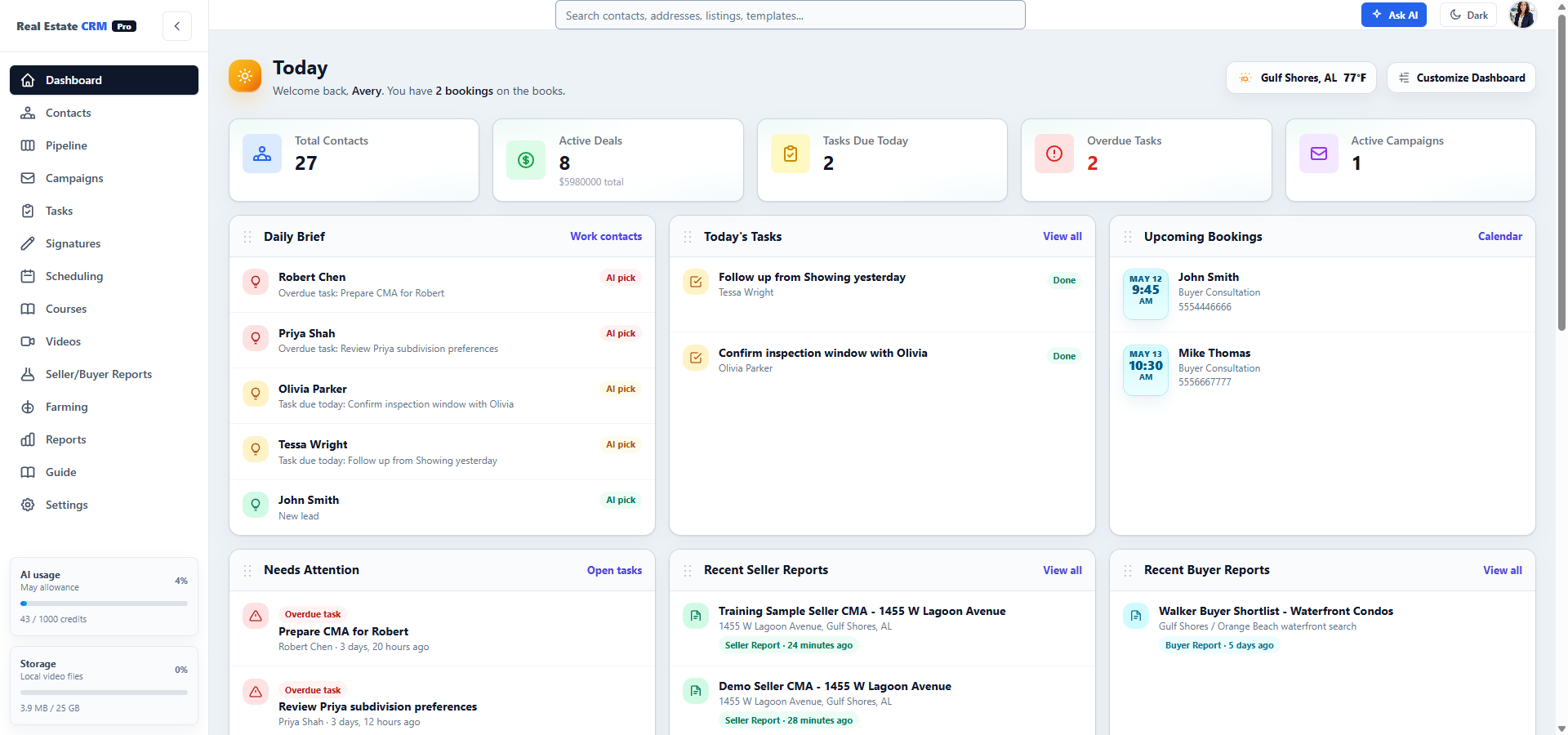
25 active contacts · 8 deals · $5.98M pipeline. Today’s tasks roll up across the team. Hot leads stay at the top until you respond.
Contacts
The full client file: notes, email, tasks, video, AI reports, MLS alerts, and next best actions in one place.
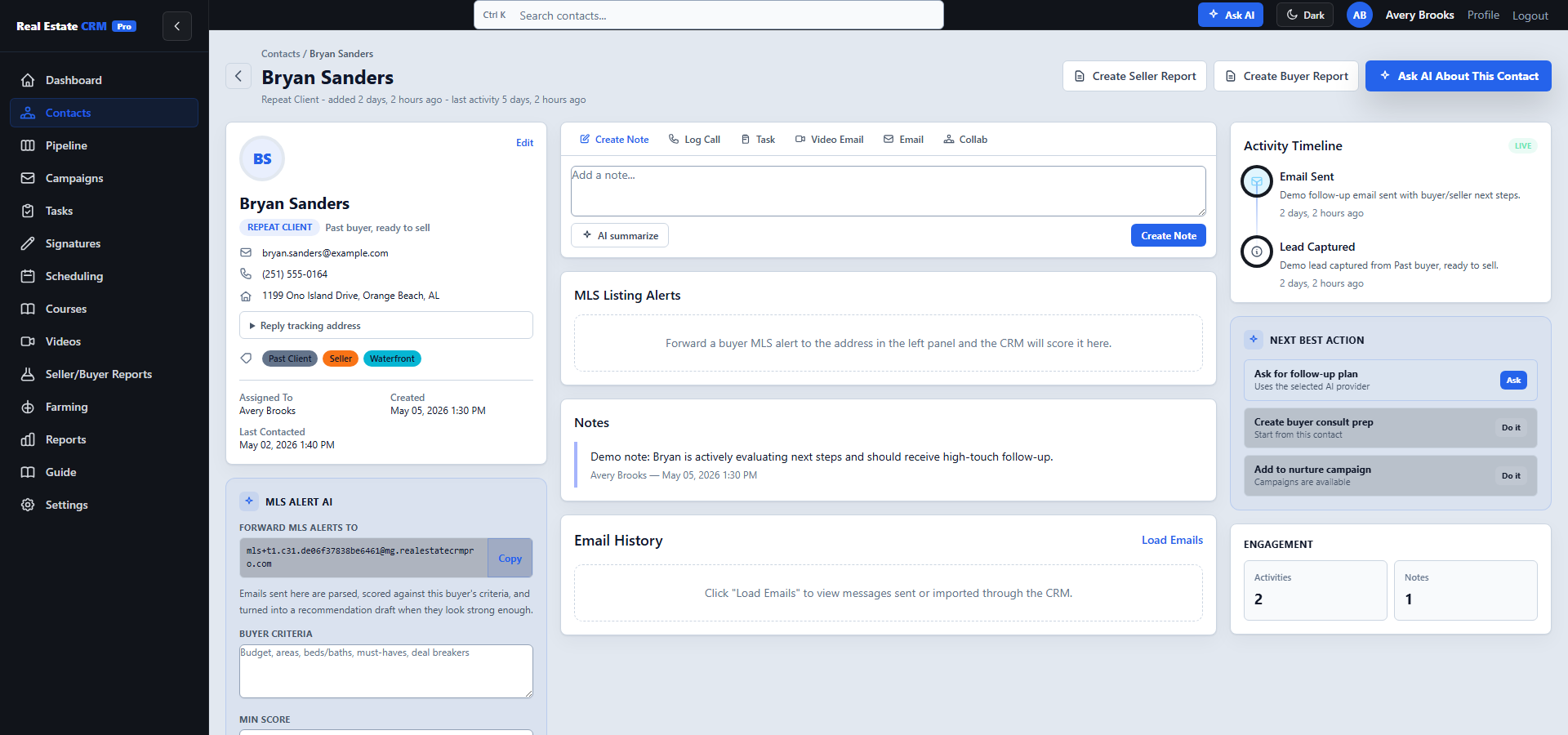
Instead of bouncing between Follow Up Boss, BombBomb, DocuSign, Calendly, and Mailchimp, the agent works from the contact record and keeps every follow-up tied to the client.
Contact · Robert Chen
Notes, tasks, AI insights, deal status, and recent emails on one screen.
Everything about one client on one screen. Notes, tasks, email history, AI context, video sends, signed docs, and the next best action sit together.
Pipeline
Residential Sales Pipeline · 6 stages · 8 active deals.
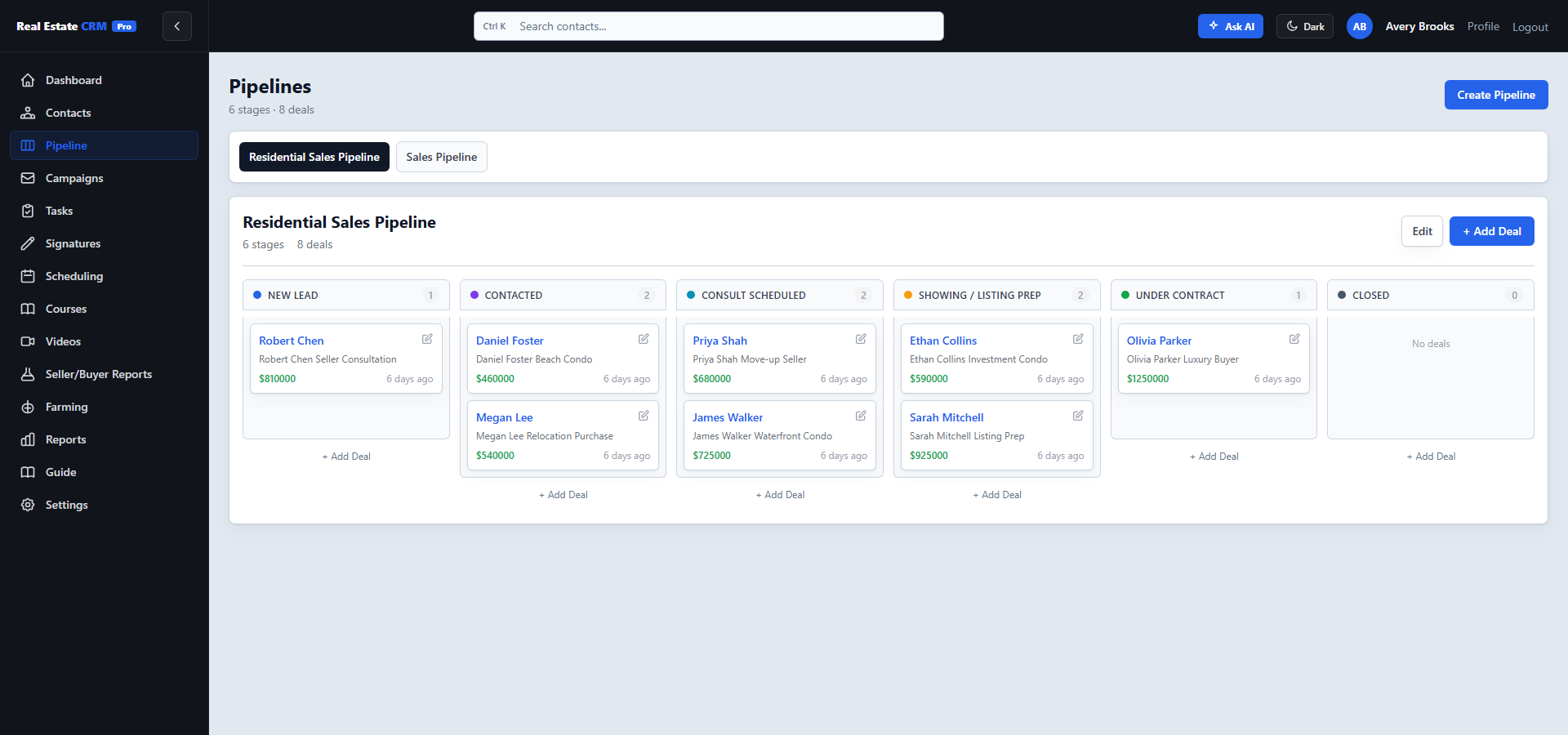
Drag deals across stages, see total value at a glance, and spot the deals stalling longer than they should. Stage moves can trigger AI-drafted follow-up emails.
Campaigns
Sequences that write themselves — in your voice.
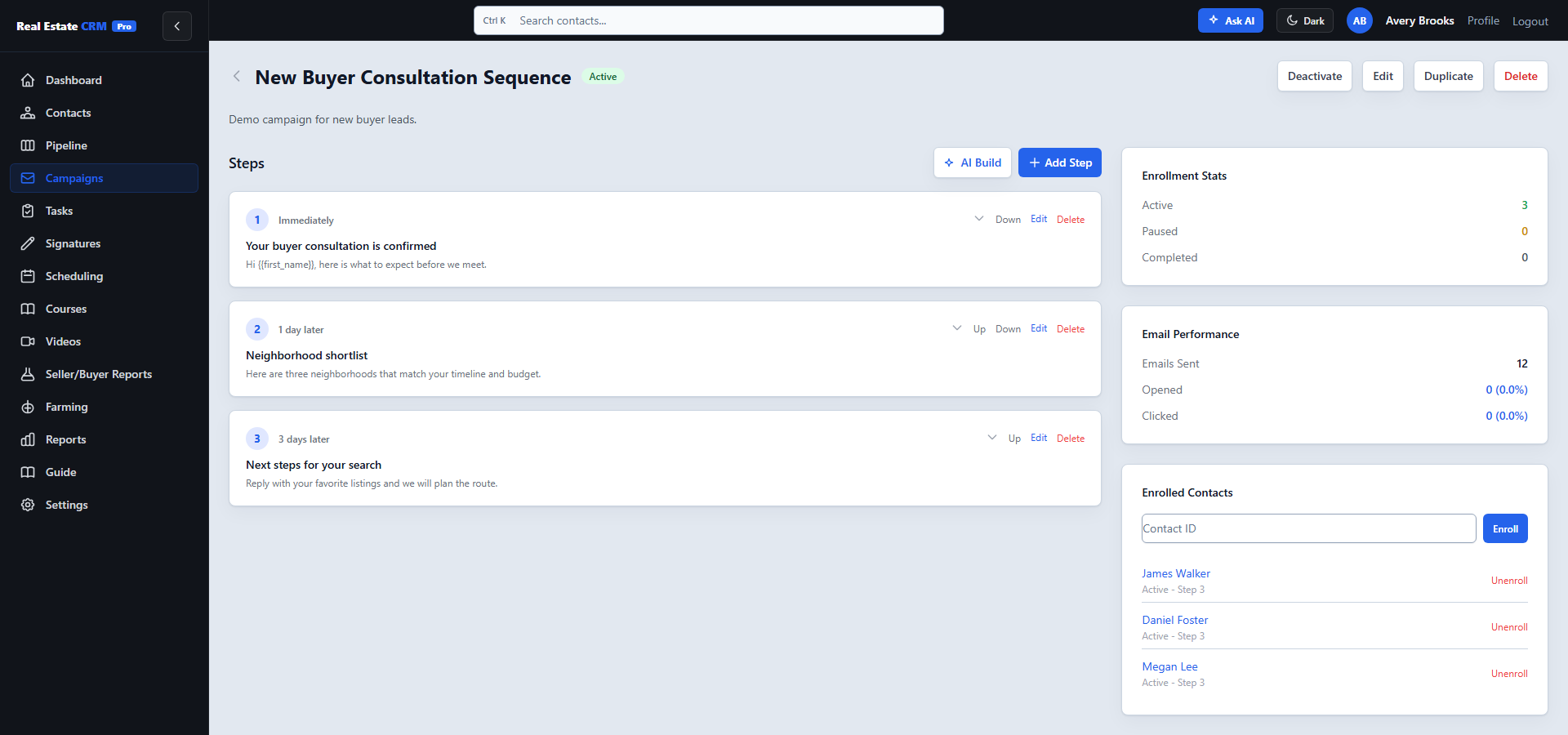
Tell AI the campaign type, audience, and cadence — it drafts the entire sequence. Tag contacts to auto-enroll. Open/click tracking flows back to the contact timeline.
Tasks
Tied to contacts, synced to Google Calendar, escalated when overdue.
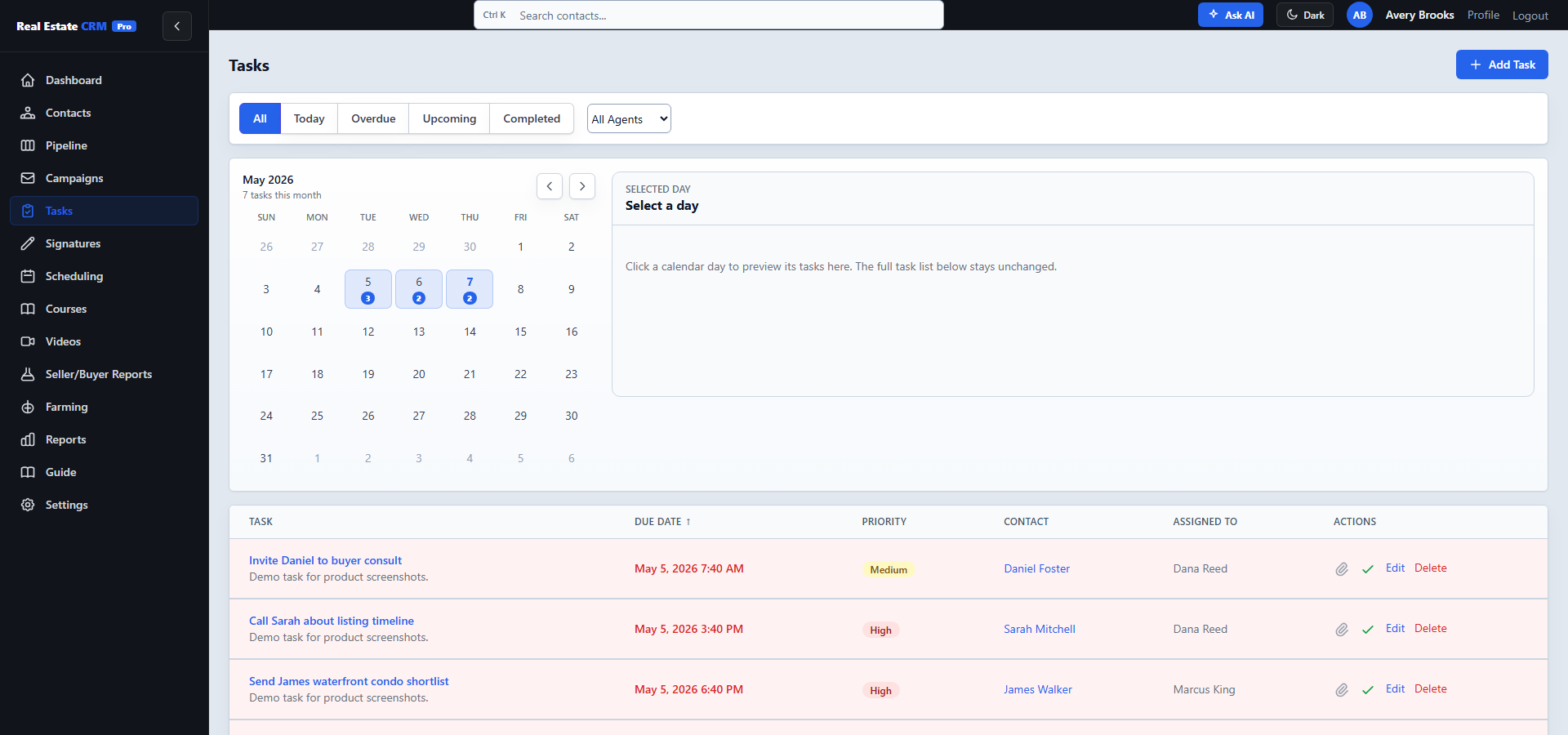
Tasks tie back to contacts, sync to your Google Calendar, and roll up to the team view so the lead agent can see what’s open across the brokerage.
Signatures
E-sign without leaving the CRM. AI auto-places signature, text, and checkbox fields.
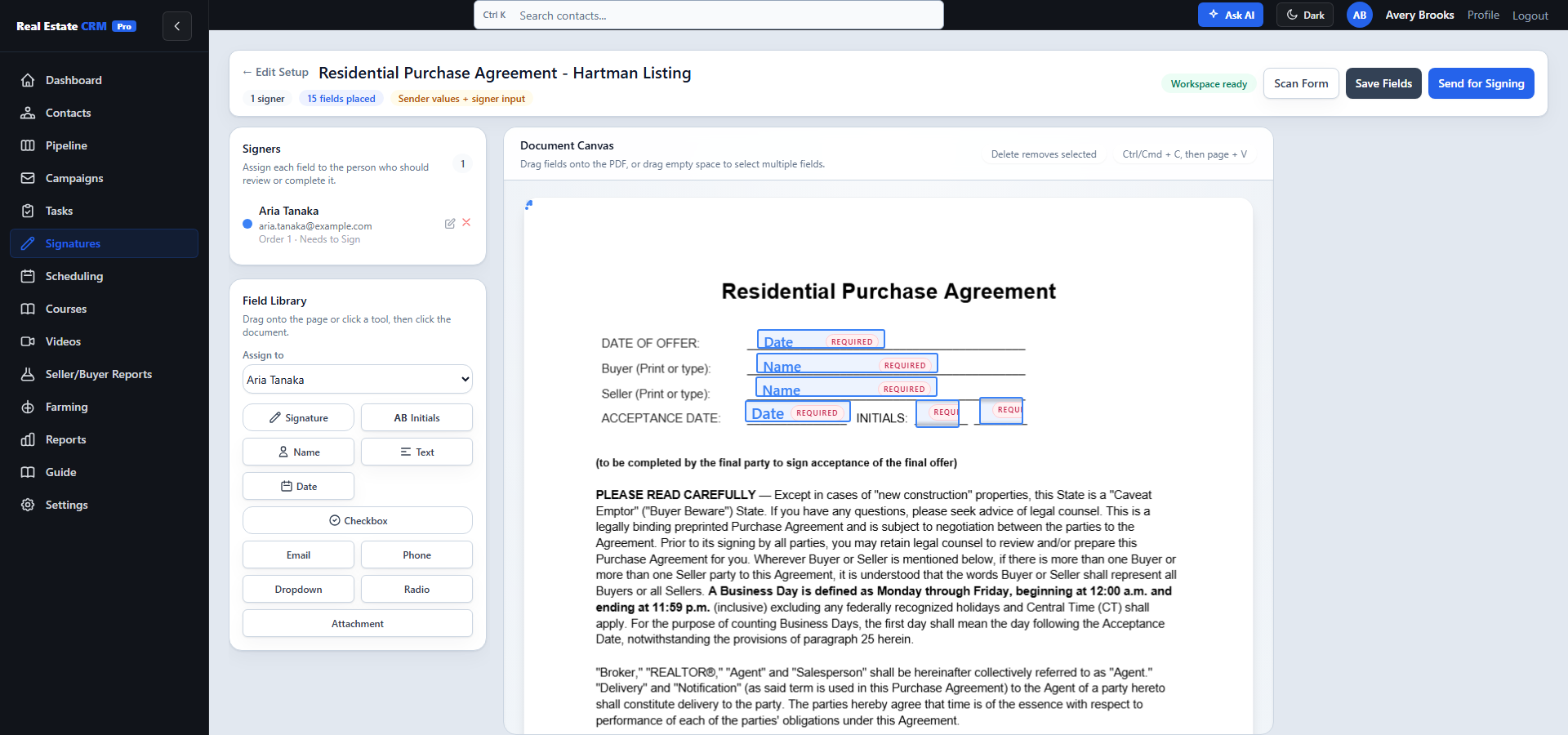
Upload a PDF, drop signature/text/checkbox/initials fields onto the page, set defaults, and send for signing — all without leaving the CRM. Replaces DocuSign and Dotloop for most transactions.
Scheduling
Public booking pages for buyer consults, listing strategy calls, and showing routes.
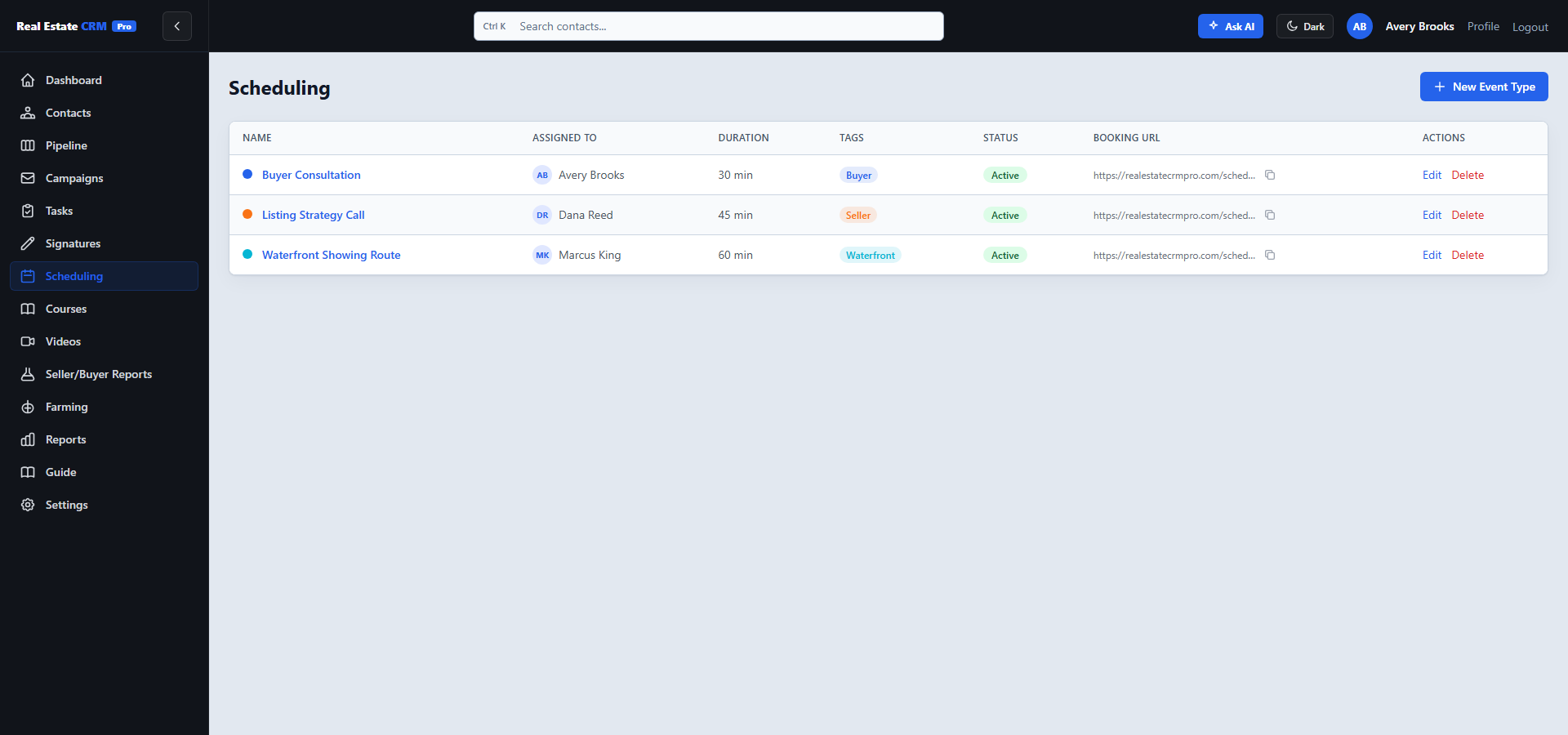
Hours, buffers, and Google Meet links built in. Each event type gets its own public booking URL you can share or paste in your email signature.
Courses
Built-in training, no Kajabi needed. For your team or your clients.
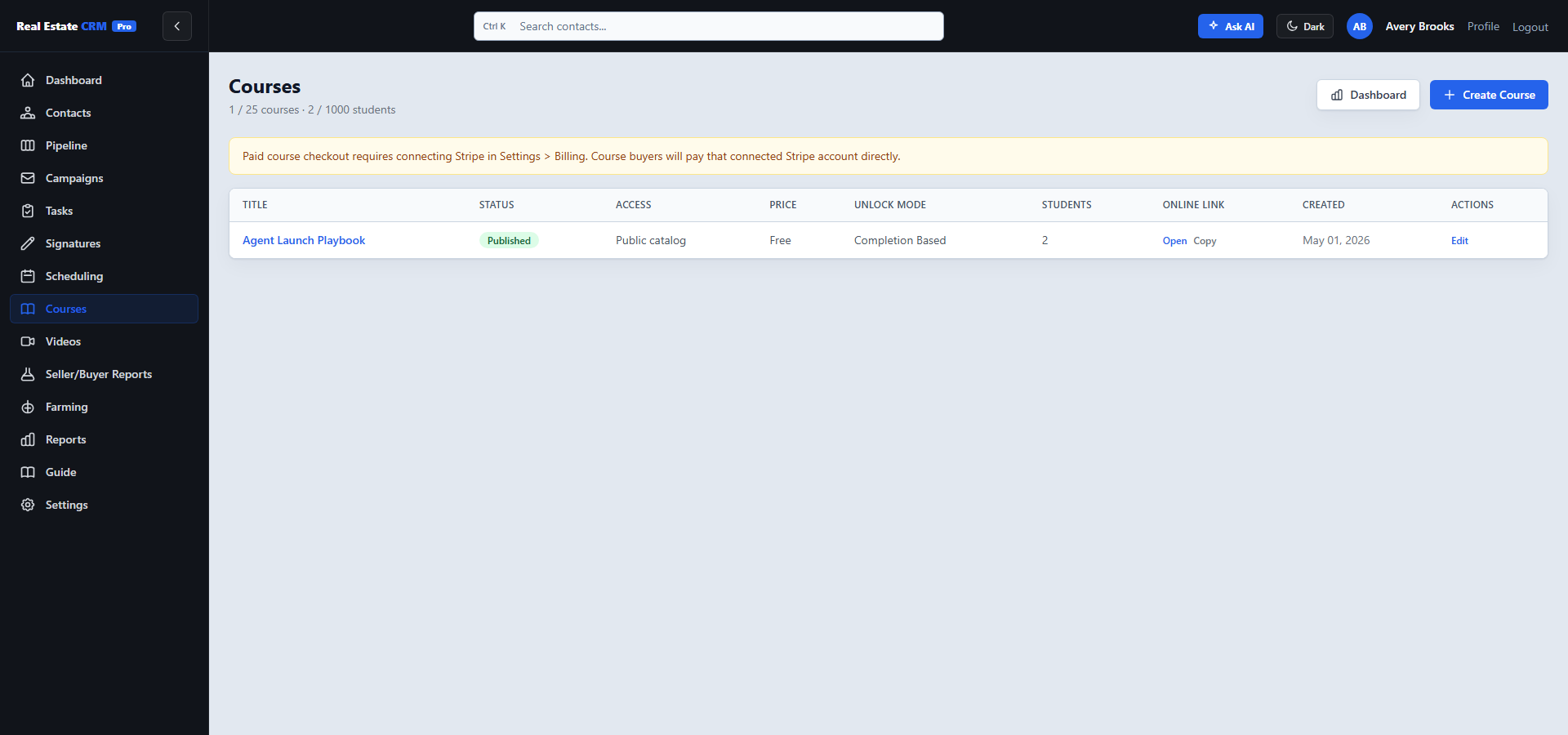
Onboard new agents, run paid client courses, or build buyer/seller education libraries. Modules, lessons, and progress tracking included.
Videos
Record video email straight from your browser. Push to YouTube in one click.
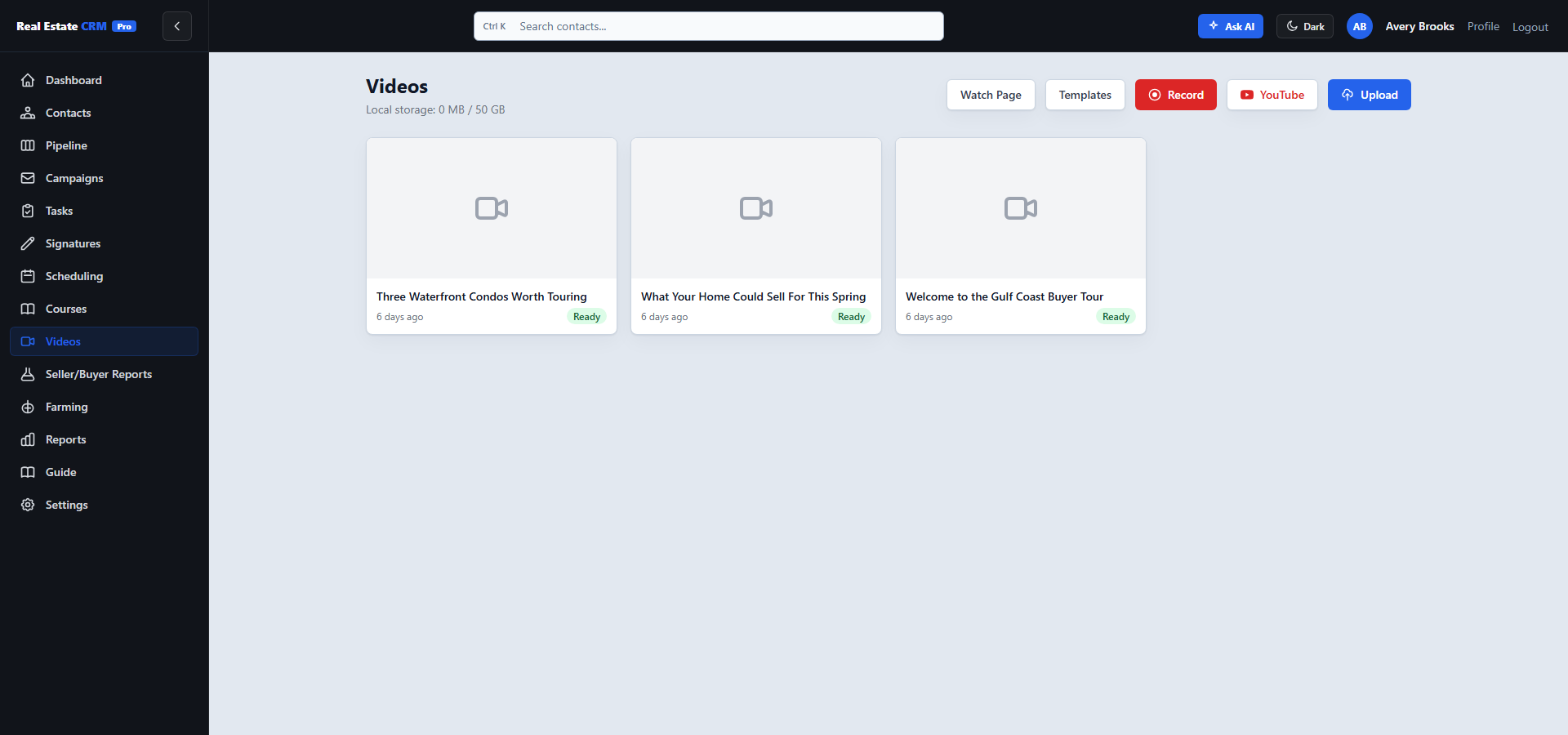
Record a quick walkthrough or follow-up, pick a contact, send. Save stage-based templates so under-contract clients automatically get the right “what’s next” video.
Seller/Buyer Reports
Seller CMAs, pre-meeting briefs, and buyer reports built from the client file.
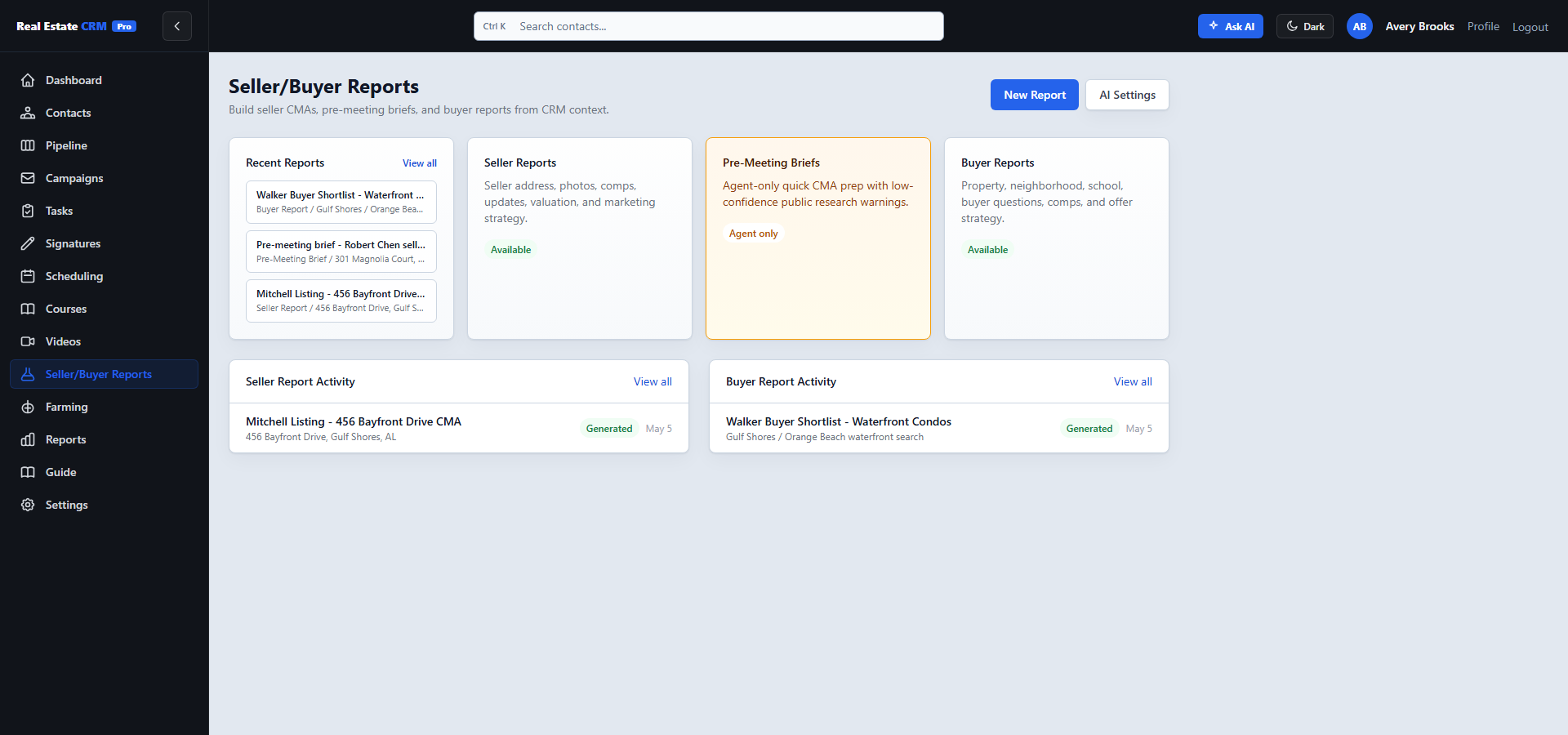
Build seller CMAs, quick pre-meeting briefs, and buyer shortlists without opening a second AI tool. Reports stay connected to the contact, property, comps, and follow-up history.
Farming
Listing-side prospecting with relist screening and reviewed outreach.
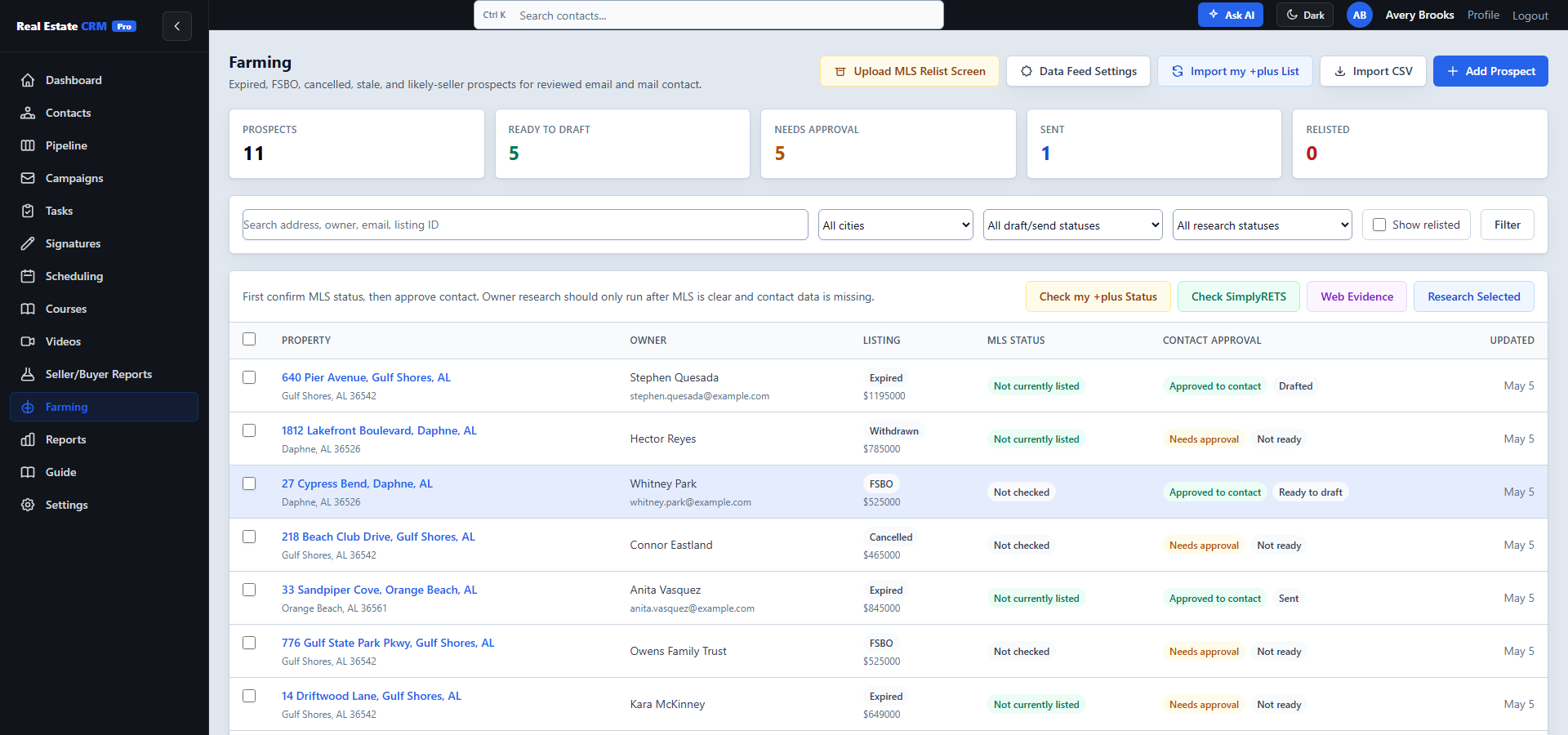
Import expireds, cancelleds, withdrawals, FSBOs, and likely-sellers. Screen for active relists before approving outreach. Move qualified prospects into reviewed email and mail.
Reports
Lead-source attribution, conversion funnel, agent activity, campaign performance.
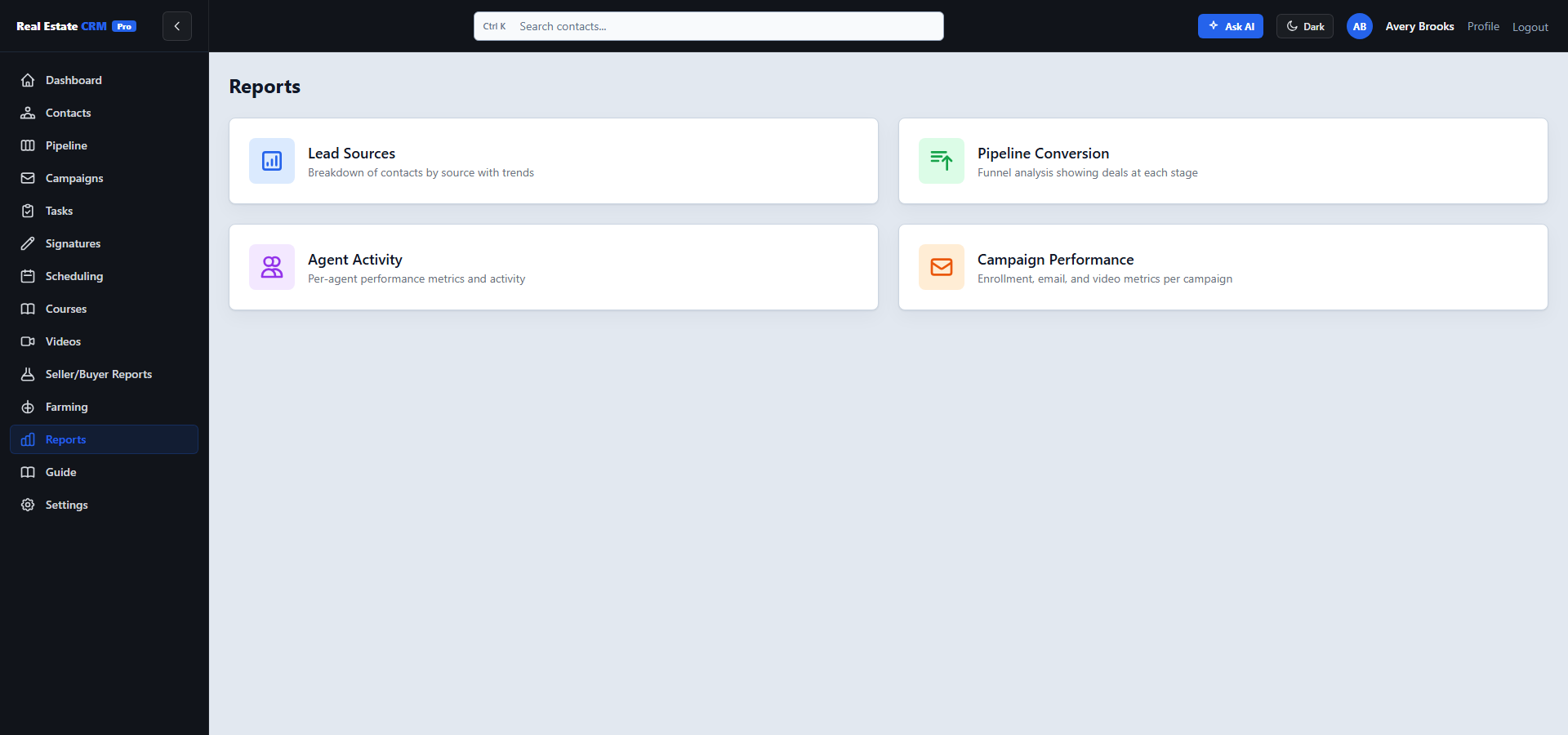
One click each: lead-source attribution, conversion funnel, agent activity (with shareable PNG), and campaign performance. Honest numbers, not vanity.
Guide
Built-in help, written like a human wrote it. No support ticket required.
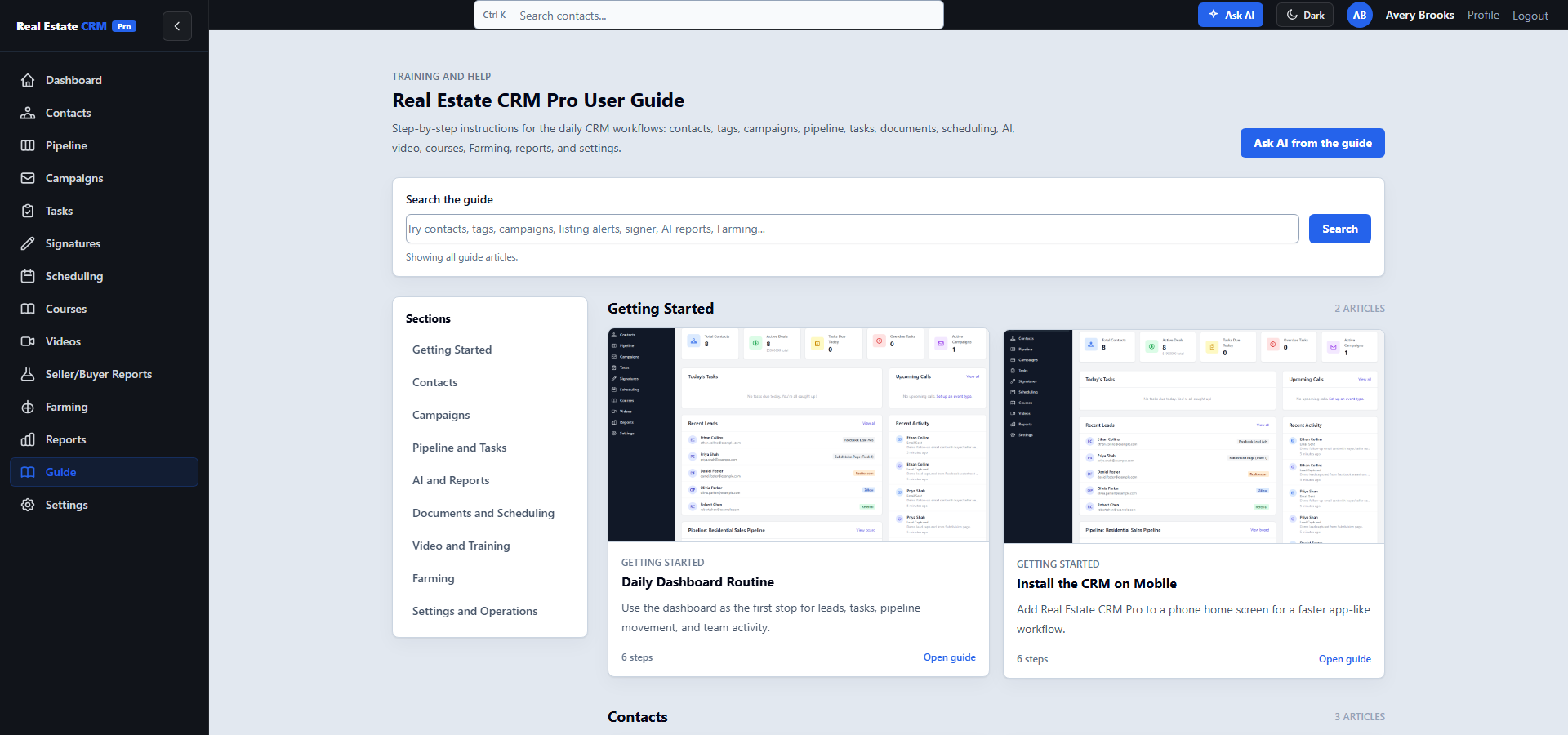
Getting started, contact workflows, pipeline setup, AI provider configuration, integration walkthroughs — written so a new agent can self-serve on day one.
Settings
Team, pipelines, Gmail, billing, lead routing, API keys, integrations, appearance.
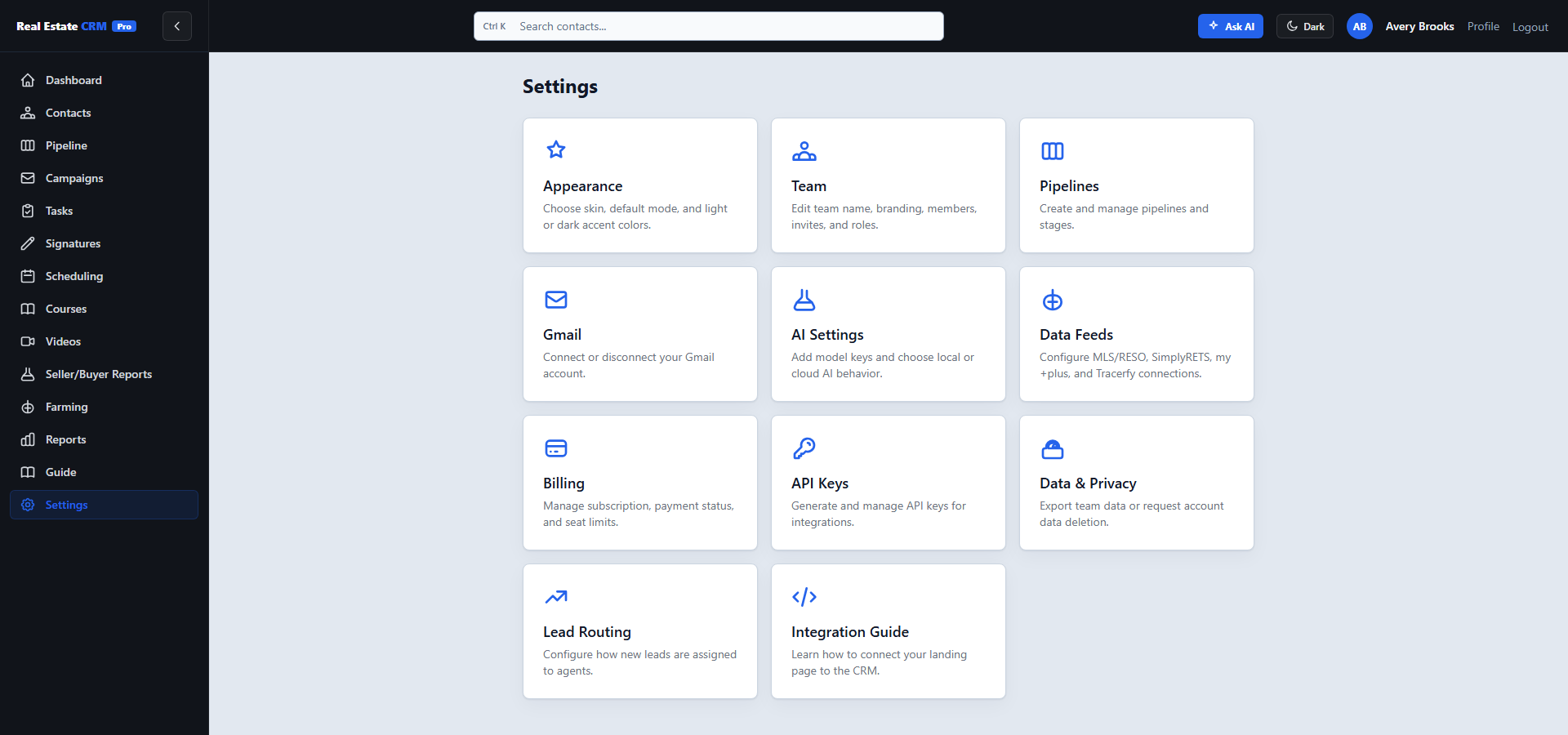
Connect Gmail and YouTube in two clicks each. Configure round-robin or by-track lead routing. Drop in your own AI provider keys, or let CRM Pro manage them.